Your working environment, flawlessly managed.
WhaleClean keeps your Windows workspace clean, fast, and organised — free, always.
Trusted by IT professionals, developers & power users
Protected
No threats found
0 GB
Avg. freed per workspace
0K+
Threat signatures
0
Powerful modules
< 0 s
Avg. boot time saved
How it works
Up and running in minutes.
Install
Grab the free installer and run it in seconds. No account required, no bloatware, no configuration needed.
Scan
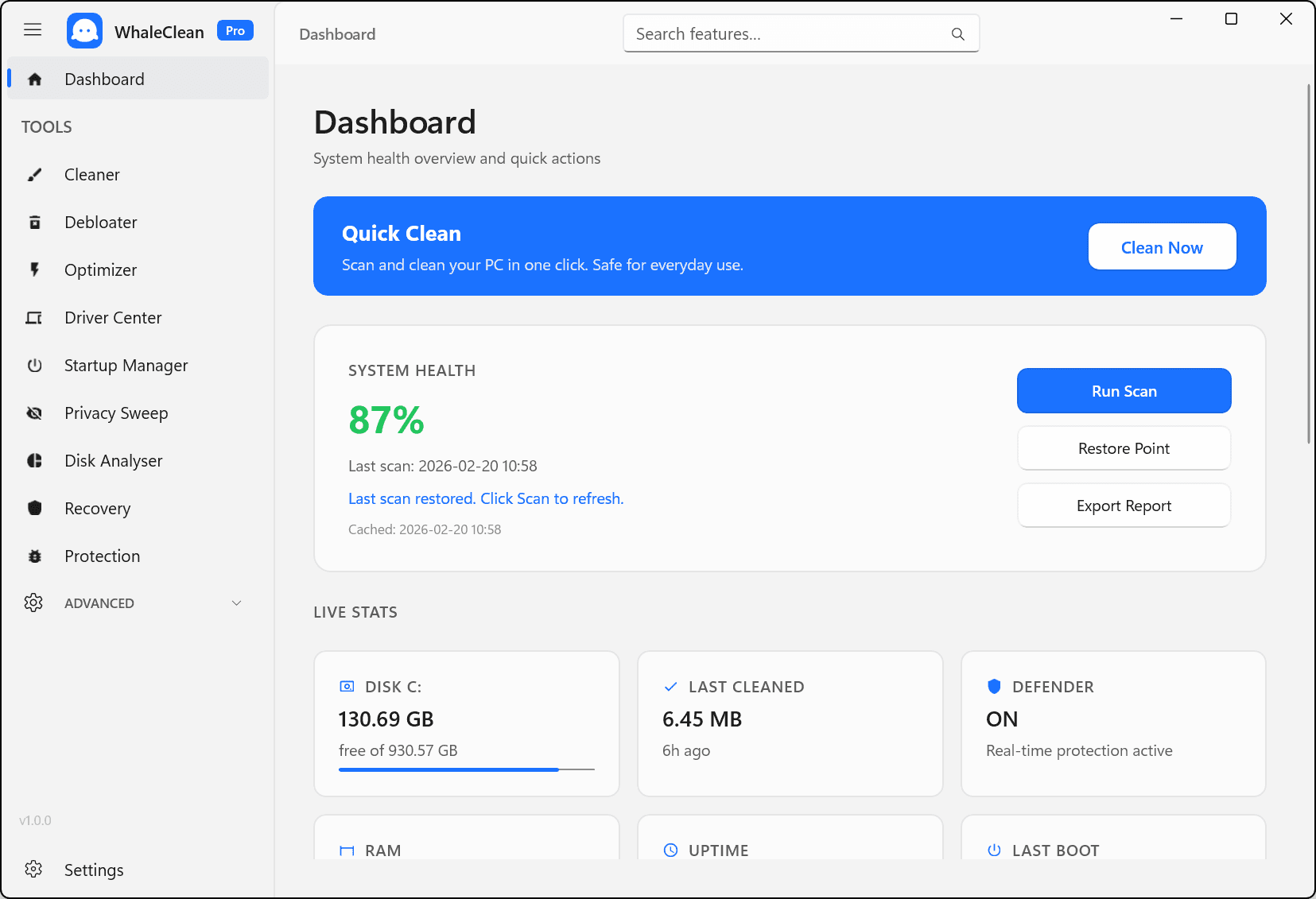
One click analyses your workspace for junk, startup bottlenecks, threats, and driver issues — a complete picture instantly.
Manage
Review what was found, apply fixes, and schedule automated maintenance. Your workspace stays clean without ongoing effort.
Features
Everything your workspace needs.
Six powerful modules, one intuitive interface. WhaleClean manages the technical details so you can focus on your actual work.
Smart Workspace Cleaner
Reclaim gigabytes of wasted space. Removes junk files, Update caches, temp debris, and log clutter automatically on a schedule you control.
Startup Manager
See exactly what slows your workspace down. Audit and disable high-impact startup programs to cut boot time and keep things responsive.
Threat Scanner
Scan any file for threats in seconds. Powered by Windows Defender with a 350,000+ hash threat database — keeping your workspace safe.
Driver Center
View every installed driver at a glance, check for updates, and keep hardware support current — a healthy workspace runs on up-to-date drivers.
Deep Clean
Go beyond the surface. Deep Clean targets registry remnants, broken shortcuts, and hidden app leftovers that standard cleaners miss.
Disk Analyser
Visualise exactly what is filling your workspace storage. Find and clear the largest folders with one click — reclaim space instantly.
Pricing
Simple, honest pricing.
From free personal tools to business-grade remote management.
Free
- Basic junk file cleaner
- Startup manager
- Manual scans only
- Online Support
- Windows 10/11 compatible
Pro Monthly
- Everything in Free
- Deep Clean module
- Driver Center
- Disk Analyser
- Duplicate Finder
- Privacy Sweep
- Real-time Protection
- Priority Support
Secure checkout via Stripe · Instant license delivery
Have questions? Contact support
Feature Breakdown
Free vs Pro at a glance
| Feature | Free | Pro |
|---|---|---|
| Junk file cleaner | ||
| Startup manager | ||
| Manual scans | ||
| Scheduled auto-cleaning | ||
| Deep Clean module | ||
| Threat Scanner | ||
| Driver Center | ||
| Disk Analyser | ||
| Duplicate Finder | ||
| Privacy Sweep | ||
| Auto-update installer | ||
| Diagnostics export | ||
| Priority Support |
Manage any device.
From anywhere in the world.
Business Individual gives you a secure, professional dashboard at device health, schedule cleans, read alerts, and manage settings without ever needing physical access.
Device Overview
CPU, RAM, disk -- live from your browser
Remote Clean
Trigger or schedule a clean from anywhere
Alert Monitoring
Get notified of disk warnings and threats
Health Reports
Weekly summaries delivered to your inbox
Secure Binding
Organisation-code binding -- your device only
Testimonials
Loved by users worldwide.
"Freed up 11 GB on my work laptop on the first run. The startup manager alone saved me 40 seconds of boot time every morning."
Thomas W.
IT Administrator
"My PC felt brand new after using WhaleClean. The interface is so clean and easy. I actually understood every option."
Sophie M.
Student
"The duplicate finder alone recovered 8 GB of texture duplicates from my projects folder. Incredible tool."
Reza K.
Game Developer
FAQ
Common questions.
Ready for a flawlessly managed workspace?
Your Windows workspace deserves better. Start free, upgrade whenever you need more.