Download WhaleClean Free
The professional Windows PC optimizer. Remove junk files, fix slow startups, scan for threats and update drivers, all from one beautiful app.
Download Free50 MB · Windows 10 & 11 (64-bit) · No account required
System Requirements
- Operating SystemWindows 10 or 11 (64-bit)
- Architecturex64 (AMD64 / Intel 64)
- RAM2 GB minimum, 4 GB recommended
- Disk Space500 MB free space
- DependenciesAll bundled, no extra downloads
What's Included
- Junk file cleaner
- Startup Manager
- Deep CleanPro
- Driver CenterPro
- Real-time ProtectionPro
- Disk AnalyserPro
- Duplicate FinderPro
- Privacy SweepPro
How to install WhaleClean on Windows
Download the installer
Click the download button above. The setup file includes all required components, the .NET 10 Desktop Runtime and Windows App Runtime are bundled in.
Run WhaleClean-Setup.exe
Double-click the installer and follow the on-screen steps. Accept the UAC prompt, WhaleClean needs admin rights to install system components.
Run your first scan
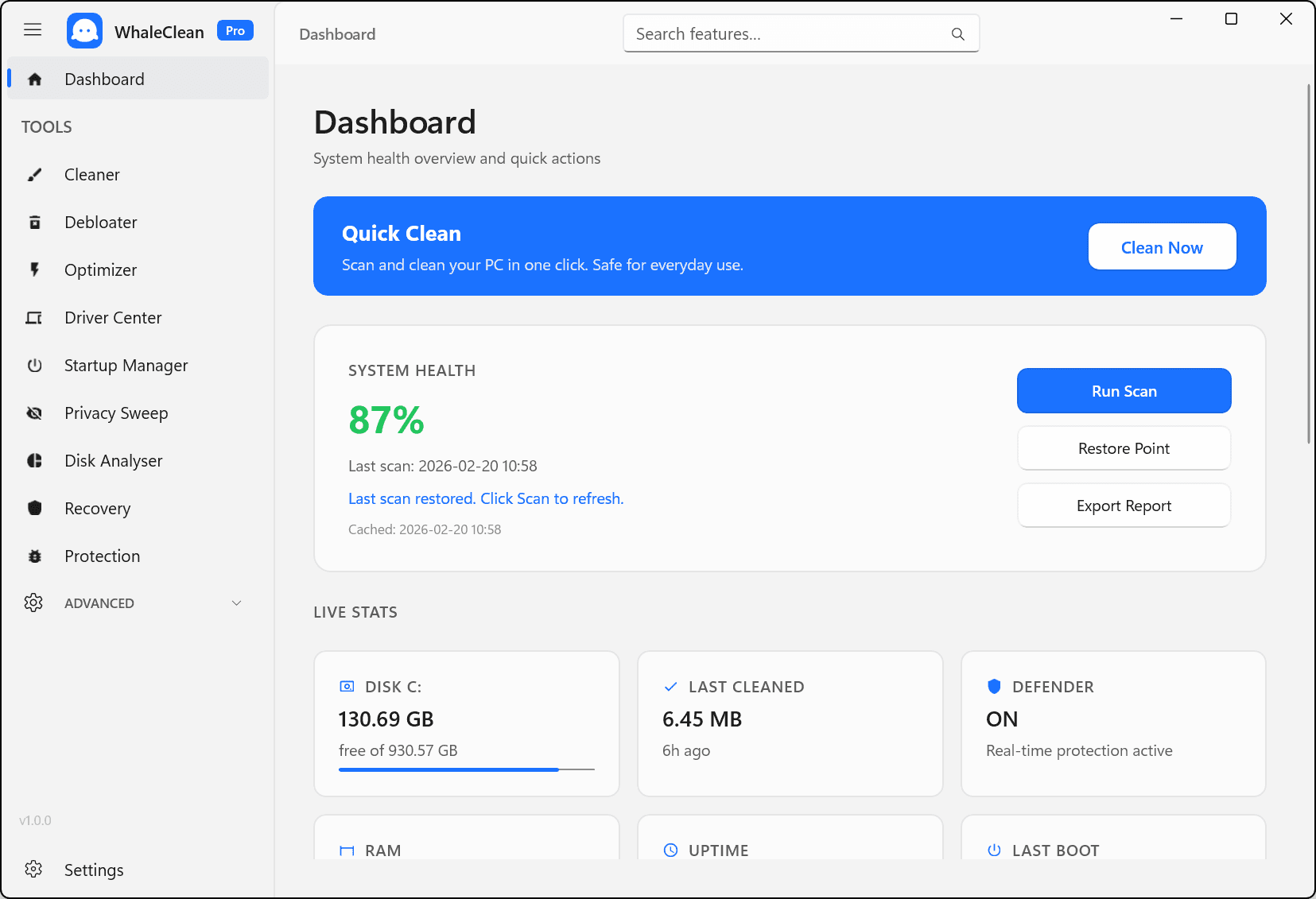
Launch WhaleClean and start a scan from the dashboard. See exactly how many GB of junk files, startup delays, and issues are found.
Download FAQ
Is WhaleClean safe to download?
Yes. WhaleClean is developed and code-signed by WhaleClean. Every installer build is scanned before release. You can verify the publisher in the Windows security dialog when you run the setup.
Does the installer need an internet connection?
No. The installer bundles all required dependencies including the .NET 10 Desktop Runtime and Windows App Runtime. Everything installs offline. An internet connection is only needed later if you activate a Pro license.
Is the free version really free forever?
Yes. The Junk File Cleaner and Startup Manager are free with no time limit. Pro modules (Driver Center, Deep Clean, Disk Analyser, etc.) require a Pro subscription starting at $4.99/month.
Can I try Pro before buying?
All Pro modules are visible in the free version so you can see what they do. Upgrade in-app or from the pricing page whenever you’re ready.
How do I uninstall WhaleClean?
Go to Windows Settings → Apps → Installed Apps, search for WhaleClean, and click Uninstall. The uninstaller removes all files and registry entries cleanly.
Want more power?
Explore Pro plansWhat's New in 2.1.0.0
Full changelog- New: Uninstaller — remove installed programs from one place, sorted by size
- New: Debloater — clear out pre-installed Windows apps you do not use
- New: Registry Cleaner — safely remove invalid leftover registry entries
- New: in-app Disk Cleanup when freeing space on a drive
- New: Windows notifications, with an in-app history bell
- Settings: low-disk alerts, cleaning exclusions, clean history and reset-to-defaults
- Polished light theme (accent progress bars and active tab) and tidier layouts
- Fixed repair tools and a clearer Windows 11 hardware label